Choosing the right domain name is one of the first steps when creating a website, business, blog, portfolio, SaaS product, or online store. Before registering a domain, it is important to know whether the domain name is already registered or appears available for registration.
A Domain Availability Checker makes this process quick and simple. Instead of checking domains manually, you can enter a domain name and find out its current registration status. JustChecker provides a collection of free domain, DNS, website, SSL, security, performance, SEO, and email tools that can help with different stages of website and domain research.
You can explore the available tools on JustChecker Free Tools before registering or managing a domain.
In this guide, you will learn what a domain availability checker is, how it works, how to check a domain, what WHOIS and RDAP mean, what to do when your preferred domain is unavailable, how expired and premium domains work, and what you should consider before registering a domain.
What Is a Domain Availability Checker?
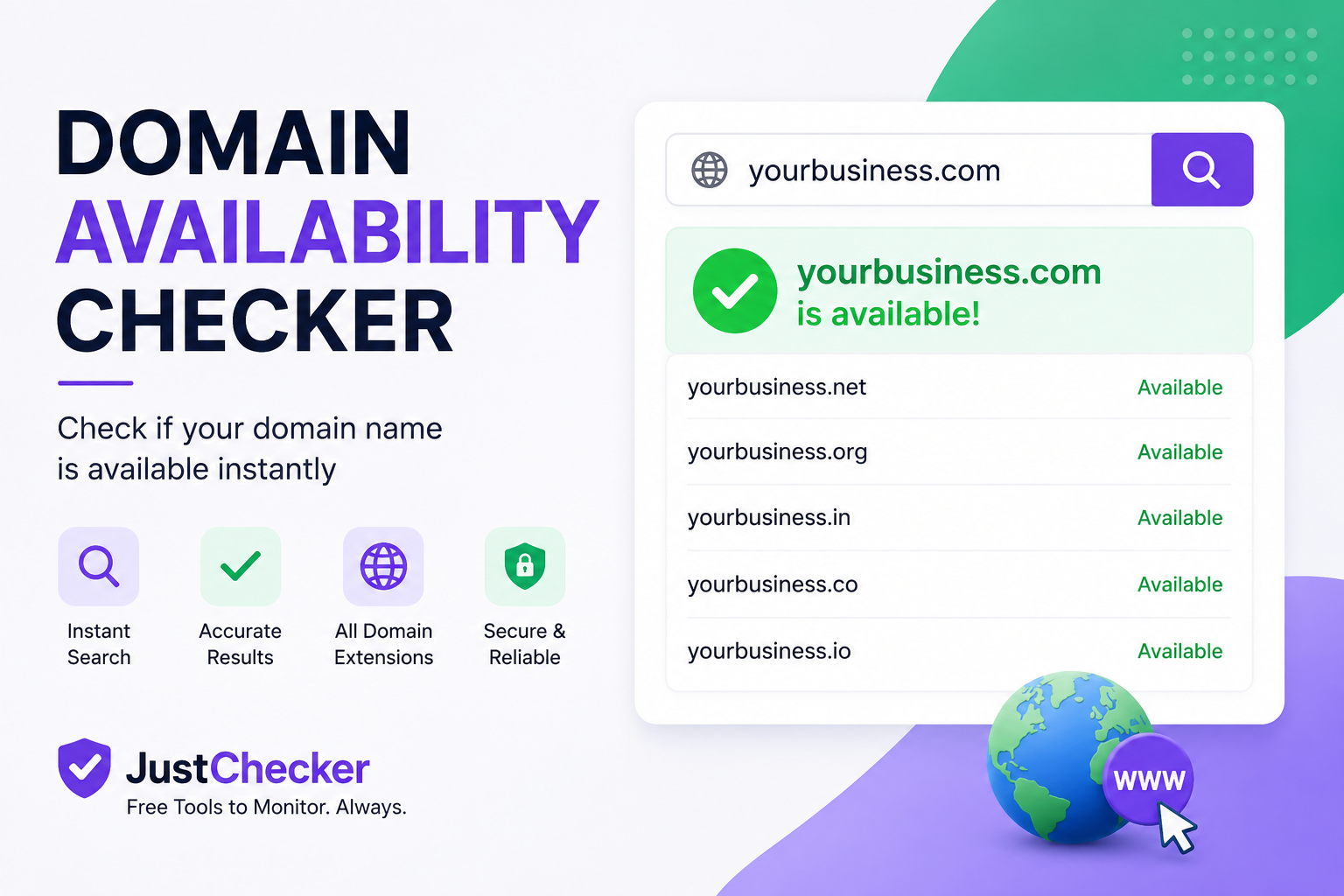
A Domain Availability Checker is an online tool that checks whether a particular domain name is currently registered or appears to be available for registration.
For example, if you are starting a business called "Bright Digital", you might want to check domain names such as:
- brightdigital.com
- brightdigital.net
- brightdigital.org
- brightdigital.in
- brightdigital.co
A domain checker helps you understand which names are already registered and which ones may currently be available.
If you are researching a new business name, startup, blog, or website, you can start with the free domain and website tools from JustChecker.
Why Is Checking Domain Availability Important?
Checking domain availability before choosing a business or website name can save time and help you build a stronger online identity. A good domain should ideally be easy to remember, easy to spell, relevant to your brand, and suitable for your target audience.
Imagine spending weeks creating a business name, logo, social media profiles, and marketing material only to discover that the preferred domain is already owned by someone else. Checking availability early helps prevent this problem.
For businesses targeting a particular country, it can also be useful to compare different domain extensions. For example, an Indian business may consider both .com and .in.
How Does a Domain Availability Checker Work?
A domain availability checker uses domain registration and public registry information to determine the current status of a domain. Depending on the domain extension and available data, lookup systems may use WHOIS, RDAP, registry information, or registrar data.
The basic process is straightforward:
- Enter the domain name you want to check.
- Submit the domain search.
- The system checks available domain registration information.
- The result indicates whether the domain appears available or registered.
- If the domain is unavailable, consider alternative names or extensions.
You can use the JustChecker Free Tools section as a starting point for domain and website research.
Important: A lookup does not reserve a domain. If a valuable domain appears available, confirm the result with an authorized domain registrar before completing registration.
Available vs. Registered Domain
What Does an Available Domain Mean?
An available domain generally means that the domain does not currently have an active registration and may be eligible for registration.
For example: examplebusiness.com - Available
However, availability can change quickly. Another person or business may register the domain after you perform the lookup.
What Does a Registered Domain Mean?
A registered domain already has an active registration. Another person, company, or organization may currently control that registration.
For example: examplebusiness.com - Registered
A registered domain is not necessarily impossible to acquire. The current owner may be willing to sell it, or the domain could eventually go through an expiration and deletion process.
What Are WHOIS and RDAP?
WHOIS is a traditional system used to provide registration information about domain names. Depending on the domain and privacy settings, information can include registration dates, registrar information, domain status, expiration information, and nameservers.
RDAP stands for Registration Data Access Protocol. It is a newer standardized protocol designed to provide structured registration data.
Public registration information can be limited by privacy protections and applicable data protection requirements. Therefore, every registered domain will not necessarily expose the personal details of its registrant.
If you want to research domains, DNS, SSL, website status, security, and other technical information in one place, explore the JustChecker Free Tools.
What If Your Preferred Domain Is Already Registered?
Don't immediately abandon your brand idea if your preferred domain is already registered. There are several alternatives you can consider.
- Try another suitable domain extension.
- Use a shorter version of the brand name.
- Add a relevant business word.
- Consider a country-specific extension.
- Use a carefully selected brand variation.
- Investigate whether the current owner is willing to sell the domain.
For example, if brightdigital.com is registered, you might investigate brightdigital.in, brightdigital.co, or another suitable extension.
Always consider trademark and brand-confusion issues before choosing an alternative domain.
What Are Premium Domains?
Premium domains are domain names that are considered particularly valuable because they may be short, memorable, dictionary words, popular keywords, or commercially attractive names.
Premium domains can cost significantly more than standard domain registrations. Therefore, you should check both the domain's availability and its actual purchase price before making a decision.
Can an Expired Domain Be Registered?
An expired domain does not necessarily become available immediately. Depending on the registry and registrar, an expired domain can pass through different stages, including renewal periods, redemption periods, and deletion processes.
If you are researching an existing domain, the JustChecker Free Tools section can be used to access relevant domain and DNS checking tools.
Remember that an expiration date does not guarantee that a domain will become available. The existing registrant may renew it before it is deleted.
Domain Availability vs. Domain Expiry
Domain availability and domain expiry are two different checks.
| Check | What It Tells You |
|---|---|
| Domain Availability | Whether a domain currently appears available or registered |
| Domain Expiry | Information about when an existing domain registration may expire |
An expiration date does not guarantee future availability because the current registrant may renew the domain.
Things to Check Before Registering a Domain
1. Brandability
Choose a domain that can represent your business, product, or project for many years. Avoid names that are unnecessarily complicated or difficult to remember.
2. Spelling
A domain that is easy to spell is generally easier for customers to type and remember. Avoid unnecessary numbers, unusual spellings, or complicated combinations unless they are an intentional part of your brand.
3. Domain Extension
Choose an extension that fits your target audience and business requirements. Different businesses may choose different extensions based on geography, industry, branding, and availability.
4. Trademark Considerations
A domain being available does not mean that the name is legally safe to use as a business or brand. Perform appropriate trademark research before using a domain commercially.
5. Renewal Cost
Don't look only at the first-year registration price. Check the normal renewal price and any applicable premium pricing before purchasing a domain.
6. Domain History
If you are considering a previously used domain, investigate its history and reputation before purchasing it.
Why Use Online Domain and Website Tools?
Online tools make technical research faster and more convenient. Instead of manually checking different technical properties, you can use specialized tools to investigate domains, DNS records, SSL certificates, website status, security headers, performance, SEO information, and email configuration.
JustChecker brings these types of checks together in its Free Tools section. This can be especially useful for website owners, developers, agencies, entrepreneurs, bloggers, and businesses.
Who Should Use a Domain Availability Checker?
- Startups: Check brand names before launching a new product.
- Businesses: Find a suitable domain for a new company or service.
- Developers: Research domains before deploying websites and applications.
- Bloggers: Find memorable domains for blogs and content websites.
- Agencies: Research domains for client projects.
- Entrepreneurs: Compare different brand-name possibilities.
- Website owners: Investigate existing domains and technical information.
Final Thoughts
A Domain Availability Checker is a simple but valuable tool for anyone planning to create an online presence. It helps you research whether a domain name appears available and lets you explore alternatives when your preferred domain is already registered.
Before registering a domain, consider its brand value, extension, renewal cost, trademark implications, and previous history. Availability should be treated as a current status rather than a reservation.
If you are researching a new domain or website, visit JustChecker Free Tools to explore domain, DNS, website, SSL, security, SEO, performance, and email checking tools.
Finally, if a domain appears available, confirm its current status and final registration price with an authorized registrar before completing the purchase.
50 Frequently Asked Questions About Domain Availability Checker
1. What is a Domain Availability Checker?
A Domain Availability Checker is an online tool that helps determine whether a domain name currently appears available or is already registered. For domain research, you can start with the JustChecker Free Tools.
2. How do I check if a domain is available?
Enter the domain name into a domain availability checking tool and review its current status. JustChecker's Free Tools section is a convenient starting point for domain research.
3. Is domain availability checking free?
Many online services provide free domain availability checks. JustChecker offers a collection of free tools that can help with domain and website research. Visit JustChecker Free Tools.
4. What does "domain available" mean?
It generally means that the domain does not currently have an active registration and may be eligible for registration. Always confirm the result with an authorized registrar before purchasing.
5. What does "domain registered" mean?
It means that the domain already has an active registration. You can use JustChecker's free tools for initial domain research and then investigate legitimate acquisition options.
6. Can I reserve a domain by checking it?
No. Checking a domain does not reserve or hold it. An available domain must be registered through an appropriate domain registrar.
7. Can domain availability change?
Yes. Domain registration status can change at any time. If a domain appears available, confirm it with a registrar before registering it.
8. Why is my domain unavailable?
The domain may already be registered, reserved, premium, restricted, or subject to registry rules. You can begin your research with JustChecker Free Tools.
9. What is WHOIS?
WHOIS is a traditional system used to provide information about domain registrations. Available information can include registrar, registration dates, expiration information, and nameservers.
10. What is RDAP?
RDAP stands for Registration Data Access Protocol. It is a modern standardized protocol designed to provide structured domain registration information.
11. Is RDAP better than WHOIS?
RDAP is a newer standardized protocol designed for structured registration data, while WHOIS is an older system. Both concepts are relevant when researching domain registration information.
12. Can I find the owner of a domain?
Sometimes limited registration information is publicly available, but privacy protections can hide personal information. Use JustChecker's tools as a starting point for technical domain research.
13. Can I register a registered domain?
Generally, you cannot directly register an actively registered domain yourself. You may potentially acquire it from the current owner if they are willing to sell it.
14. Can I buy an unavailable domain?
Possibly. If another person or organization owns the domain, they may be willing to sell it. Research its current status before attempting acquisition.
15. What is a premium domain?
A premium domain is generally a domain considered more valuable because it may be short, memorable, keyword-rich, or commercially attractive. Premium domains can cost more than standard registrations.
16. Is .com better than other domain extensions?
.com is widely recognized, but the best extension depends on your business, audience, location, and branding strategy.
17. Is a .in domain good for an Indian business?
Yes. A .in domain can be suitable for businesses targeting customers in India. You can research domain options through the JustChecker Free Tools.
18. Should I always choose a .com domain?
No. While .com is popular, another relevant extension may be a better choice depending on your audience and brand.
19. Can I check multiple domain extensions?
Yes. You can research your preferred brand name across multiple extensions such as .com, .net, .org, .in, and others.
20. What should I do if my .com is taken?
Explore relevant alternative extensions or carefully selected variations. You can start your domain research with JustChecker Free Tools.
21. Should my domain be short?
A short domain can be easier to remember and type, but relevance, clarity, and brandability are also important.
22. Should I use hyphens in a domain?
Hyphens are permitted in many domain names, but unnecessary punctuation can make a domain harder to remember and communicate.
23. Can a domain contain numbers?
Yes. Domain names can contain numbers, subject to the rules of the applicable domain extension.
24. Can I use special characters in a domain?
Standard domain names have specific character rules. Internationalized domain names can support non-Latin characters through IDN technology.
25. What is an expired domain?
An expired domain is a domain whose registration has reached its expiration point. It may still pass through additional lifecycle stages before becoming available.
26. Does an expired domain become available immediately?
No. Depending on the registry and registrar, an expired domain can go through renewal, redemption, deletion, or other stages.
27. How can I check domain expiry?
You can use domain lookup and expiry tools to research publicly available expiration information. Start with the JustChecker Free Tools.
28. Does domain expiry guarantee availability?
No. The current registrant may renew the domain, and additional domain lifecycle stages may apply.
29. Can I register a domain before it expires?
You generally cannot register an actively registered domain yourself. If you want an existing domain, you may need to explore legitimate acquisition options.
30. Does domain availability affect SEO?
Domain availability itself is not an SEO ranking factor. However, a memorable and relevant domain can support branding and user recognition.
31. Does the domain extension affect SEO?
The extension should primarily match your audience, business, and geographic strategy rather than being selected only for SEO.
32. Should I buy several domain extensions?
It can make sense for brand protection, but it is not necessary for every business. Check which extensions are useful before purchasing additional domains.
33. Can I check a domain without buying it?
Yes. You can research domain availability without purchasing the domain. JustChecker Free Tools can be used as a starting point for domain research.
34. Does checking a domain make it less available?
A normal lookup does not register or reserve a domain. However, domain availability can change independently.
35. Why did a domain become unavailable after I checked it?
Someone else may have registered it, or the underlying registry or registrar status may have changed. Perform a new check and confirm the result with a registrar.
36. Can I check a domain's registration date?
For many registered domains, registration dates may be available through WHOIS, RDAP, or related registration information.
37. Can I check a domain's registrar?
Yes. Registrar information may be available through domain registration lookup services. JustChecker's Free Tools section is a useful starting point for domain research.
38. What are domain nameservers?
Nameservers identify the DNS servers responsible for providing DNS information for a domain. JustChecker also provides DNS-related tools for website owners and developers.
39. Can I check nameservers for a domain?
Yes. Nameserver information can be researched using DNS and domain lookup services. You can start with JustChecker Free Tools.
40. What is DNS?
DNS stands for Domain Name System. It helps translate domain names into information used by internet services, including IP addresses and mail servers.
41. Is domain availability the same as DNS availability?
No. Domain registration availability and DNS configuration are different concepts. JustChecker provides different tools for domain and DNS-related checks.
42. Can I check a domain's DNS records?
Yes. DNS tools can check records such as A, AAAA, MX, TXT, NS, CNAME, and SOA, depending on the tool and available DNS information. Explore the JustChecker Free Tools.
43. What should I check before buying an old domain?
Research its registration information, history, backlinks, reputation, previous use, and potential trademark issues. Technical checks can be started with JustChecker Free Tools.
44. Can an old domain have a bad reputation?
Yes. A previously used domain may have a history involving spam, malicious activity, poor backlinks, or other reputation problems. Deeper historical research may require specialized services.
45. Should businesses check trademarks before registering a domain?
Yes. Domain availability does not mean that a name is legally safe to use as a business or brand. Use appropriate trademark databases or professional legal advice for trademark clearance.
46. Can I use another company's name in my domain?
You should avoid domains that infringe trademarks or create confusion with an established company or brand. Domain availability and trademark availability are different issues.
47. Is domain availability information always accurate?
Domain status can change rapidly, and registries have different rules. Use JustChecker or another reliable lookup as an initial check and confirm final availability with an authorized registrar.
48. Can I use a domain availability checker on mobile?
Yes. Web-based domain and website tools can generally be accessed from smartphones, tablets, and desktop browsers. You can visit JustChecker Free Tools from a compatible device.
49. How quickly should I register an available domain?
If you have decided that the domain is suitable for your business or project, verify the result and register it promptly through an authorized registrar. Availability is not permanent.
50. What is the best way to check domain availability?
A practical first step is to use the JustChecker Free Tools to research your domain and related technical information. Compare suitable extensions, review available registration information, and then confirm the final availability and price with an authorized registrar before purchasing.
